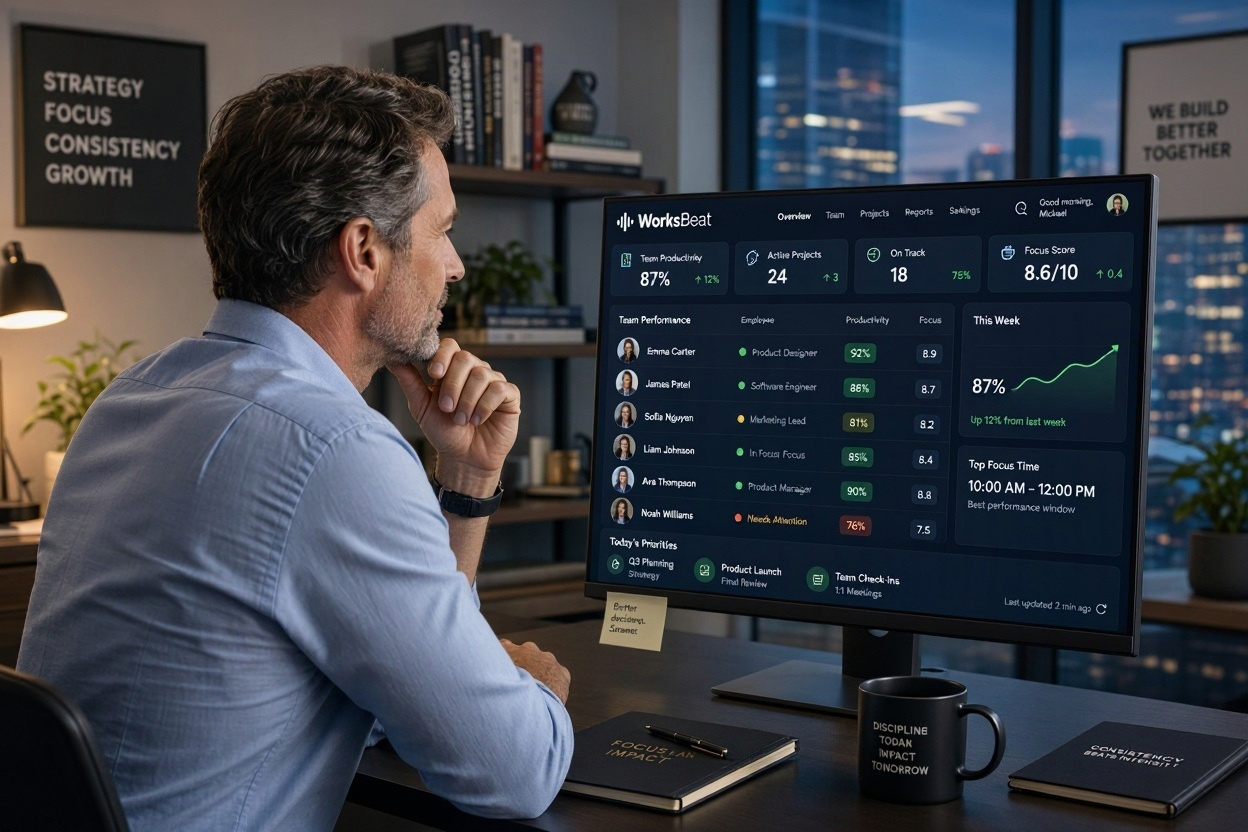
Set up the team
Assign employees to your organization and prepare the desktop agent for their devices.
Bring check-ins, focus, activity, and reports into one thoughtful workspace. Give managers a clearer view and teams a more transparent way to work.

Explore the views that make work patterns easier to understand and discuss.
Bring attendance, activity, and daily scores into a single view. Managers can spot changes and start more useful conversations.
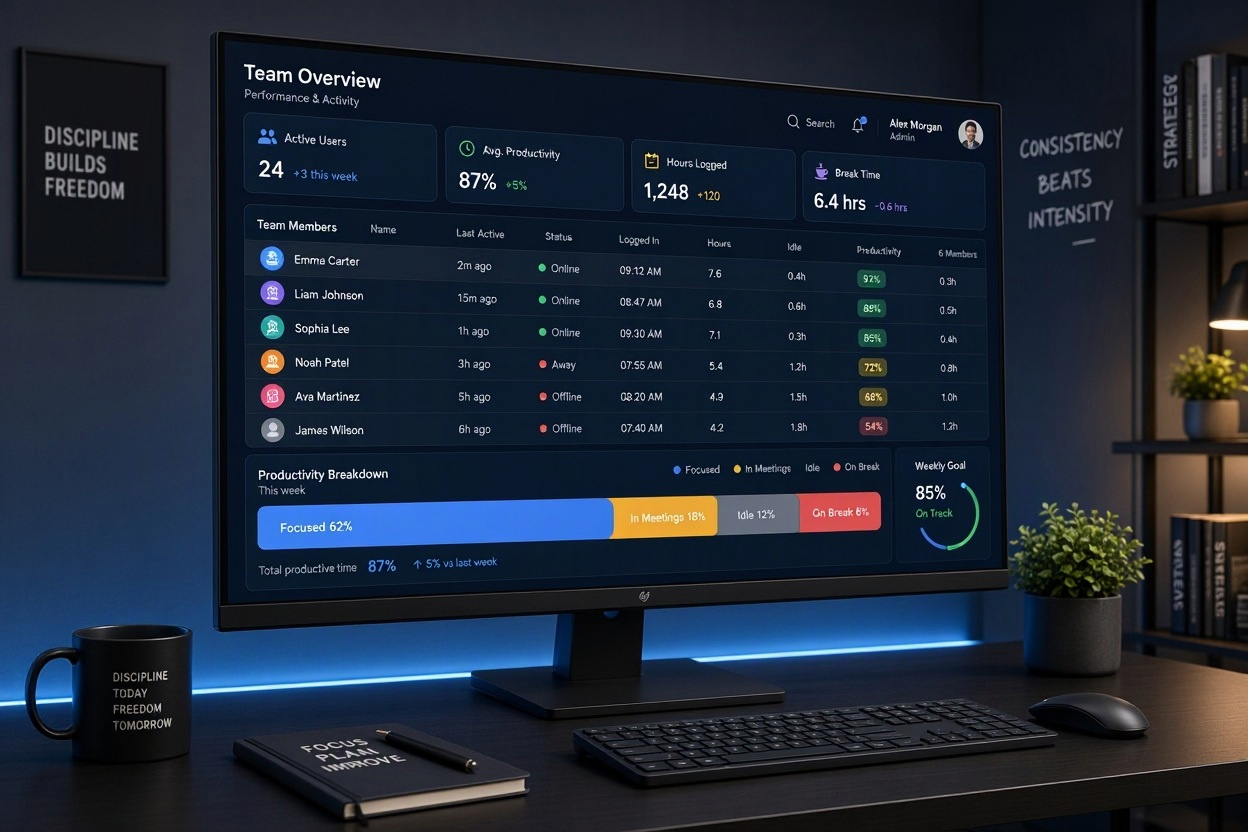
Review application use, idle time, and screenshot moments together, so an isolated number never tells the whole story.
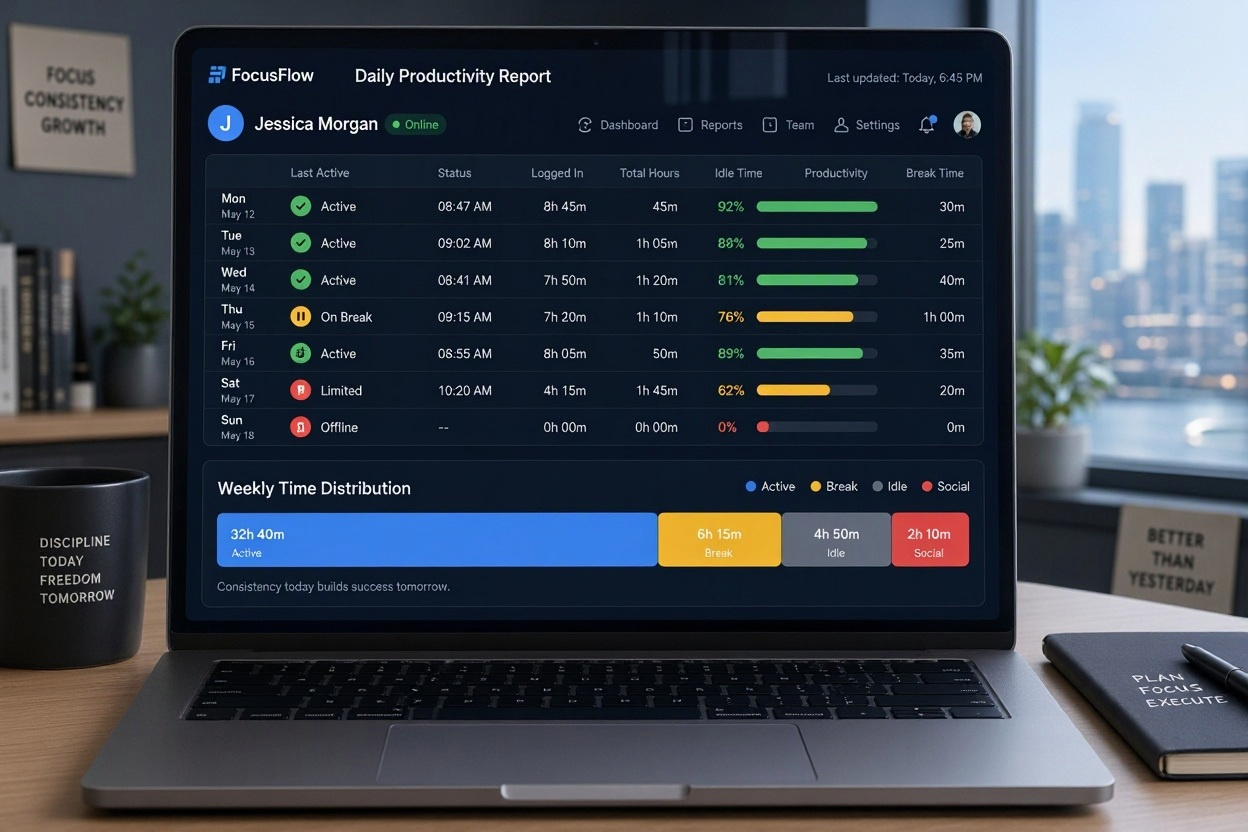
See uninterrupted work sessions alongside breaks and time away. Use the patterns to improve how work is planned.

Bring hours, activity, and productivity into a compact report for review and planning.
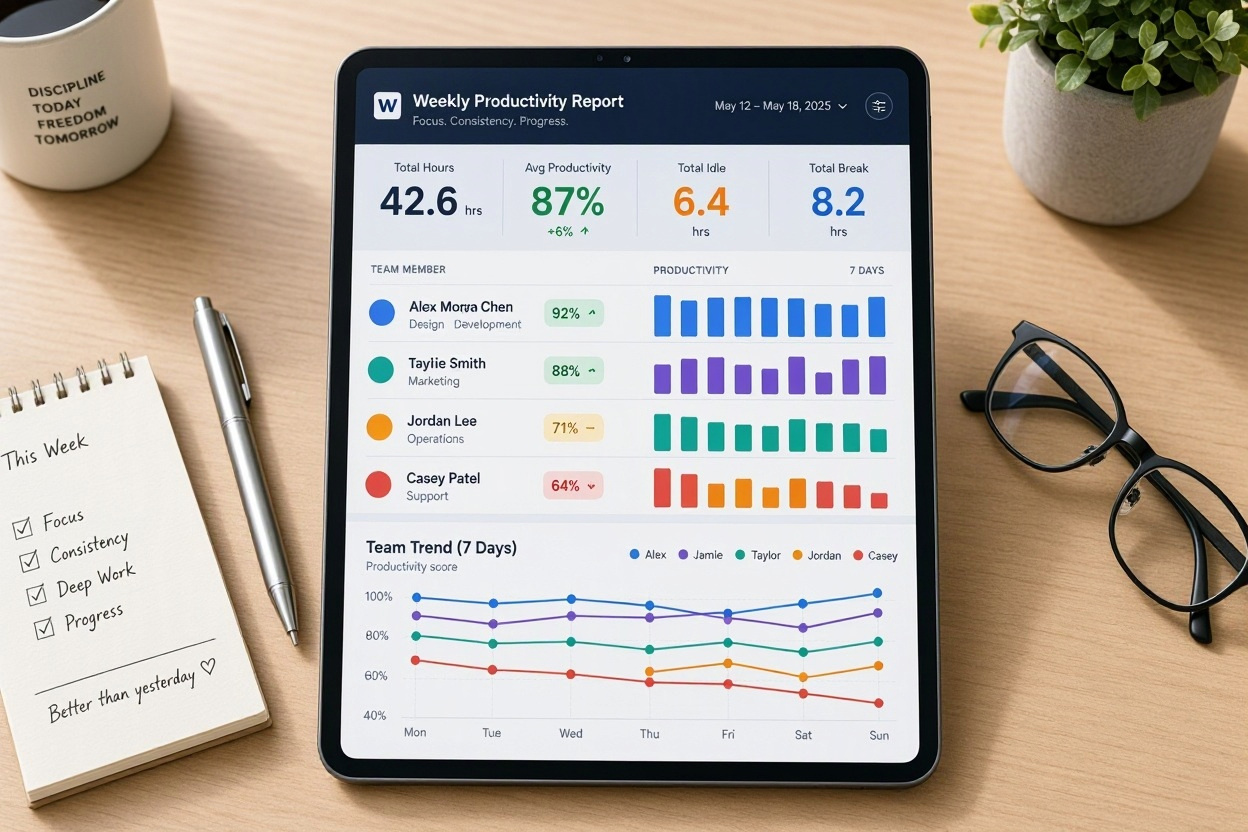
Three steps connect your team's workday to the views managers need.
Assign employees to your organization and prepare the desktop agent for their devices.
Check-in, breaks, activity, and focus become part of one clear daily timeline.

Use the dashboard to understand patterns and discuss what support your team needs.
Move between the team view and the moments that explain it.
Daily views highlight where time is spent, which tasks need attention, and when focus is taking hold.
See work, breaks, and time away in one timeline.
Share a readable summary for weekly reviews.
See how a future intelligence layer could highlight the patterns behind a busy week. The example below is a product concept, not a live AI analysis.
Clear expectations and practical boundaries help teams use data with care.
Help teams understand what is captured and why. Make the purpose of tracking easy to explain.
Read our approach →Bring work, breaks, and activity together so managers can understand the story behind a number.
View employee detail →Make weekly review time more useful with clean summaries of hours, focus, and activity.
Explore sample reports →Explore sample views before discussing a setup for your organization.
Look through the dashboard, employee details, and reports. These examples show the product direction while live client accounts and data connections are being prepared.
The sample dashboard shows team status, productivity summaries, activity by hour, and employee detail. Live data access will be tied to each company's account.
The login page currently previews the design and validates the form locally. Account authentication will be connected when the backend is ready.
The intended workflow includes scheduled screenshots with a clearly communicated policy and controlled access. The current website contains illustrative images only.
Yes. The sample reports page demonstrates the layout and interactions with example values.
Explore the WorksBeat experience and see how the pieces fit together.